








A Calmer SocialScoreKeeper
Three updates with one shared goal: keep your family informed without ever demanding your attention. Meet the new notification feed, Quiet Hours, and a simpler Settings home.
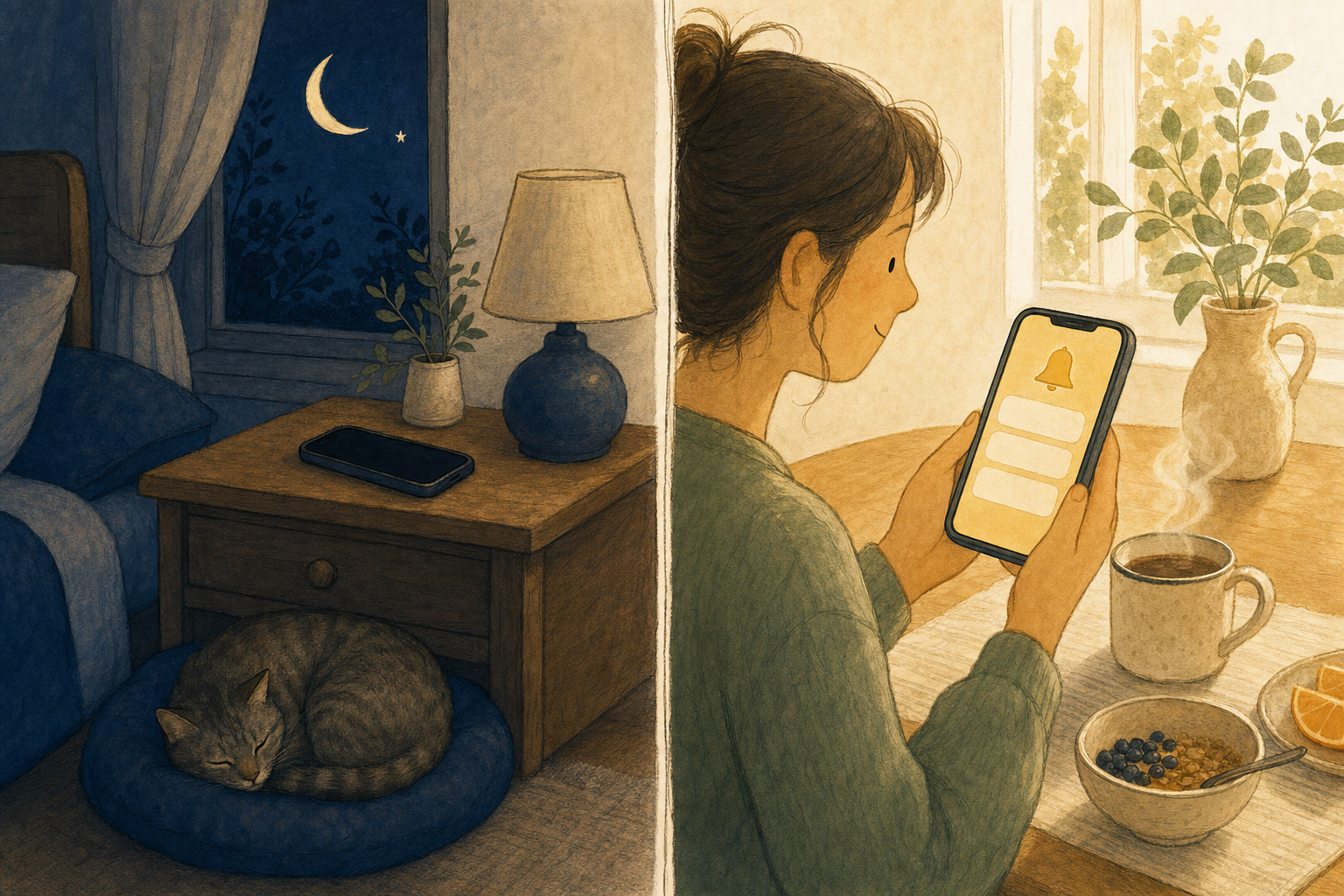
Most apps treat your attention as the product. We treat it as something borrowed — and we'd like to borrow as little of it as possible.
This spring's updates are about giving your family complete information with complete control over when it arrives. Nothing gets lost, and nothing buzzes the nightstand at 9:30 on a school night unless you want it to.
Every update, one quiet place
There's a new bell on your home screen. Tap it, and everything that happened while you were living your life is waiting — in order, in one place:
Everything in the feed
Game alerts, schedule changes, invitations, stat updates, daily summaries — every kind of update the app sends, kept for 30 days.
Tap and you're there
A score alert takes you to that game. An athlete update takes you to that athlete. No hunting through menus.
Faces, not just text
Updates about your athletes show their avatars, so a glance tells you whose moment it is.
Read means read
Your read status follows your account — get a new phone or reinstall the app, and you won't face a wall of "unread" history.
The deeper change: missing a push notification no longer means missing the news. Dismiss everything, ignore your phone all weekend — the feed has your back when you come back.
Quiet Hours: your evenings are yours
Pick a start time, an end time, and which days of the week they apply.
During those hours, your phone stays silent. The updates still land safely in your feed — they just wait politely until morning.
- Per-day control — maybe weeknights are sacred but Saturday is game day. Toggle each day individually.
- Nothing is lost — Quiet Hours silences the push, not the news. Everything is in the feed when you're ready.
- Daily summaries on your schedule — choose when your daily recap arrives, so it greets you with coffee instead of waking you at dawn.
One settings home, finally
Settings used to live behind two different menus. Now there's one: tap your avatar, and everything is exactly where you'd expect it — your profile up top, then clearly grouped pages for the things you actually adjust:
Push notifications
Fine-grained toggles for each kind of alert, plus Quiet Hours and daily summary timing — all on one focused page.
Email preferences
Choose which emails you want — game notifications, product news, or none of it. Your inbox, your rules.
Calendar Sync
Connect or disconnect providers and set per-sport game durations — right beside the rest of your preferences.
Why "calm" is a feature
We don't earn anything when you stare at SocialScoreKeeper. There's no feed to scroll, no ads to serve, no engagement quota. Our only job is making sure the people who love your child never miss what matters — and never resent the app that told them.
Notifications that respect your evenings aren't a constraint on our business model. They are our business model.
Informed, never interrupted
Open the app, tap your avatar, and set up Quiet Hours tonight. Your nightstand will thank you.