






Your Family's Calendar Now Updates Itself
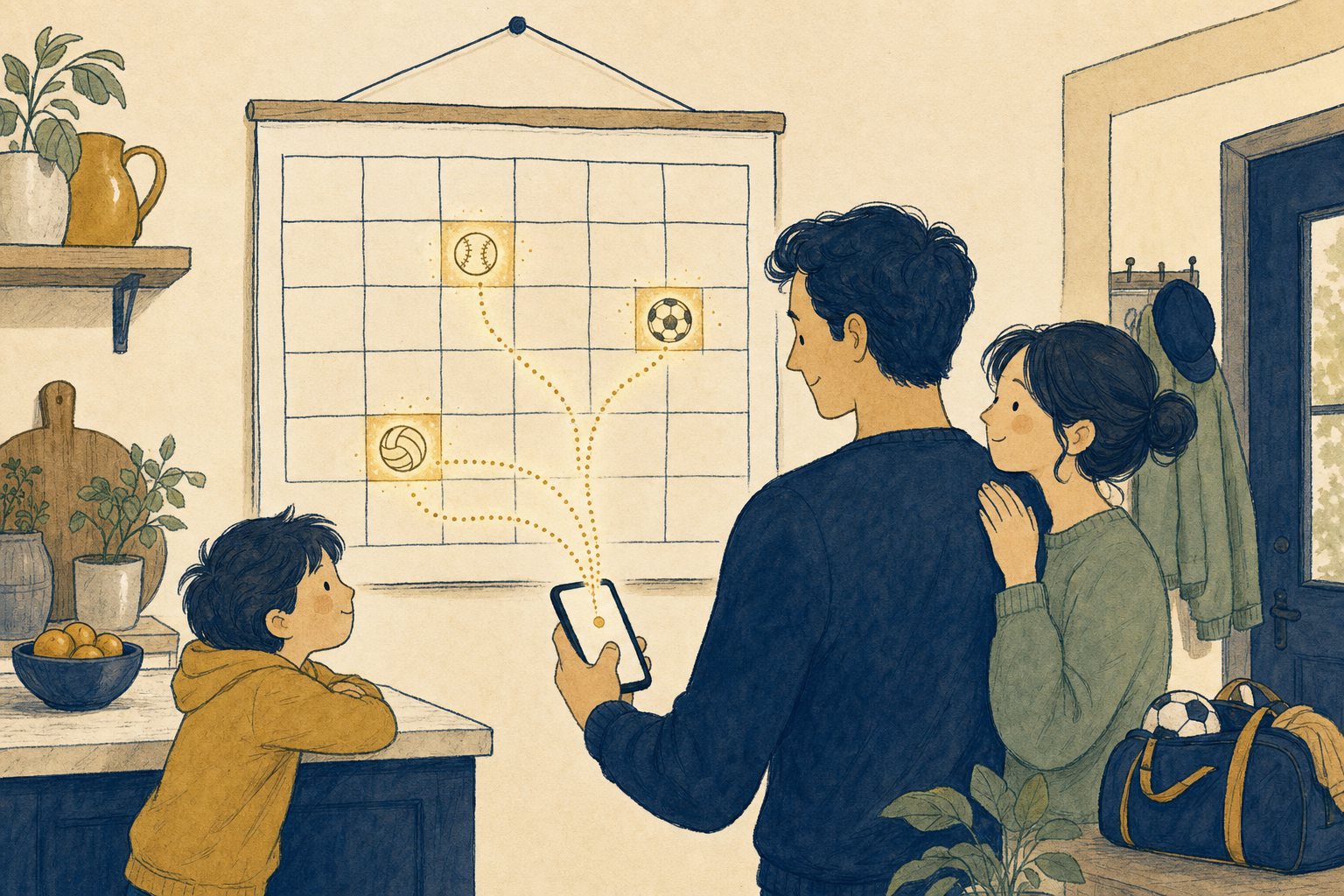
Calendar Sync is here. Games appear in the calendar your family already uses — and when the schedule changes, the calendar changes with it. No screenshots, no forwarded texts, no "wait, is it still 6 o'clock?"
Every youth sports family knows the drill: the game time moves, somebody finds out in a group chat, and somebody's grandmother shows up an hour early.
Starting this month, SocialScoreKeeper connects directly to the calendars your family already lives by. Follow an athlete, connect your calendar once, and every game lands on your schedule automatically — then stays correct when real life inevitably reshuffles it.
Works with the calendar you already use
Google Calendar
Connect your Google account and games appear in your calendar automatically — updates included.
Outlook / Microsoft
Work calendar doubles as the family calendar? Games sync to Outlook the same way — automatically.
Apple Calendar
On iPhone and iPad, games sync to the built-in Calendar app — no extra accounts needed.
Android Calendar
Android families can sync straight to the device calendar, whichever calendar app sits on top of it.
The part that actually matters: changes
Putting a game on a calendar is easy. Keeping it correct is the hard part — and it's the part we obsessed over.
When a game's time, date, or location changes in SocialScoreKeeper, the event updates in every connected family calendar. Grandma's iPad included.
- Time changed? The calendar event moves.
- Field changed? The location updates.
- Tournament weekend? Tournament games sync too.
- Each event carries its sport — a quick glance tells you it's ⚾ vs 🏐 before you even open it.
You can also set how long each sport's games should block on your calendar — because a soccer match and a baseball doubleheader are not the same afternoon.
One-time setup, then forget it exists
Connect your calendar
During account setup, or at any time under Settings → Calendar Sync. Pick your provider and grant permission once.
Follow your athletes
The games you follow are the games that sync. Grandparents see their grandkids' games — nothing else.
That's it
Games appear, games update, and you never think about it again. Disconnect at any time with one tap.
The fine print (we kept it short)
One direction only
Sync flows from SocialScoreKeeper to your calendar. Your calendar's other events are your business.
Included on every plan
Calendar Sync isn't a premium upsell. Every member of the Fan Club gets it, on every plan.
Opt-in, always
Nothing connects until you say so, and disconnecting takes one tap in Settings.
Disconnect cleans up after itself
If you ever disconnect, the game events we added are removed from your calendar and your connection is deleted on our side. No leftovers.
Never miss a game again
Connect your calendar once, and every game — and every change — finds its way to your whole family.